

Zoho CRM: Campaign Tracking Setup
Configure campaign tracking in Zoho CRM to capture lead sources, enable UTM tracking, and provide reporting for campaign performance and ROI analysis.
Share :
Track Marketing Campaign Performance Directly in Zoho CRM
Understanding where your leads come from is essential for measuring marketing success. This solution configures campaign tracking in Zoho CRM to capture lead source data using UTM parameters. With structured tracking, automation, and reporting, your team can analyze campaign performance and make data-driven decisions.
What’s Included
• Campaign tracking fields created in Zoho CRM (for example, Source, Medium, Campaign Name)
• UTM values mapped to CRM from form submissions
• Workflow automation for lead tagging
• Campaign performance reports or dashboard
Optional Add-Ons (Not Included by Default)
• Zoho Analytics dashboard setup
• Google Ads integration
Prerequisites
• CRM foundation setup
• Access to Zoho CRM and marketing forms (Zoho Forms or integrated tools)
• Defined UTM structure for campaigns
How It Works
UTM parameters from marketing campaigns are captured through forms and mapped into Zoho CRM fields. Workflow automation tags leads based on campaign data, and reports or dashboards are configured to track campaign performance and ROI.
Best For
• Marketing teams tracking campaign effectiveness
• Sales teams needing visibility into lead sources
• Businesses seeking ROI insights on advertising and campaigns
This solution is built using Zoho CRM and designed to support structured CRM-driven operations.
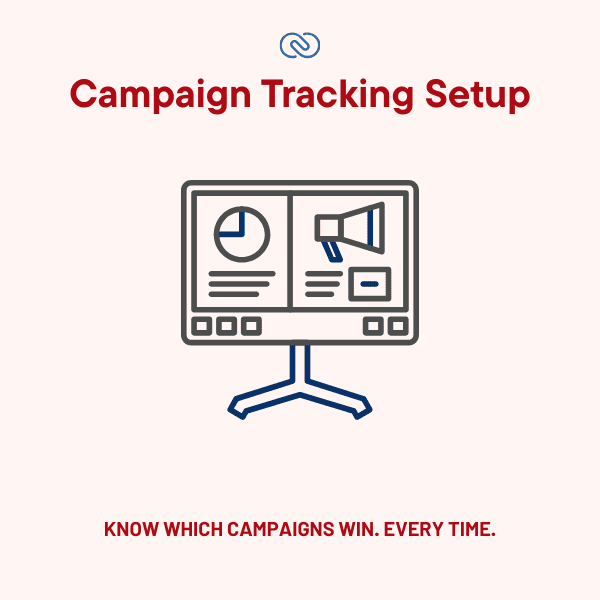
Note: The visuals depicted above are for illustrative purposes only and do not guarantee exact results or interface design.
PowerPlan Resource Intensity
- Megawatts (MW):300