

Zoho Desk: SLA and Escalation Workflows
Set up SLA policies and escalation workflows in Zoho Desk to ensure timely responses, prevent delays, and maintain accountability across support operations.
Share :
Enforce Response Timelines with SLA and Escalation Workflows
This solution sets up SLAs (Service Level Agreements) and escalation workflows inside Zoho Desk. It ensures tickets are responded to and resolved within defined timelines, while automated alerts and actions help prevent delays and maintain accountability.
What’s Included
• SLA policies configured for all ticket priorities and channels
• Escalation rules with notifications or actions
• Assignment of responsibility for each escalation level
• SLA integration with department workflows
• Testing and final deployment
Optional Add-Ons (Not Included by Default)
• Advanced customizations of SLA rules
• Additional automation beyond core SLA setup
• Integration with external tools for escalation management
Prerequisites
• Active Zoho Desk license
• Defined ticket priorities and resolution targets
• List of departments and escalation responsibilities
How It Works
SLA policies and escalation workflows are configured within Zoho Desk based on your defined priorities and targets. Notifications and actions are set to trigger when timelines are approached or breached, ensuring accountability and timely resolution across departments.
Best For
• Support teams managing high ticket volumes
• Businesses needing strict response and resolution SLAs
• Managers looking to enforce accountability with escalations
This solution is built using Zoho Desk and designed to support structured Desk-driven operations.
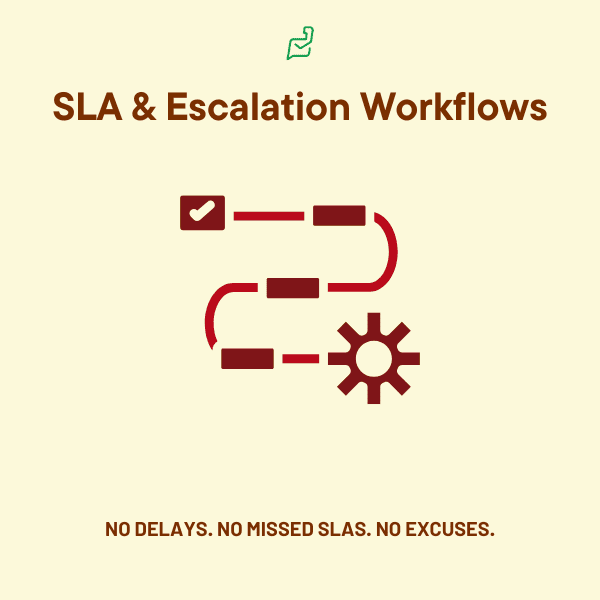
Note: The visuals depicted above are for illustrative purposes only and do not guarantee exact results or interface design.
PowerPlan Resource Intensity
- Megawatts (MW):300